

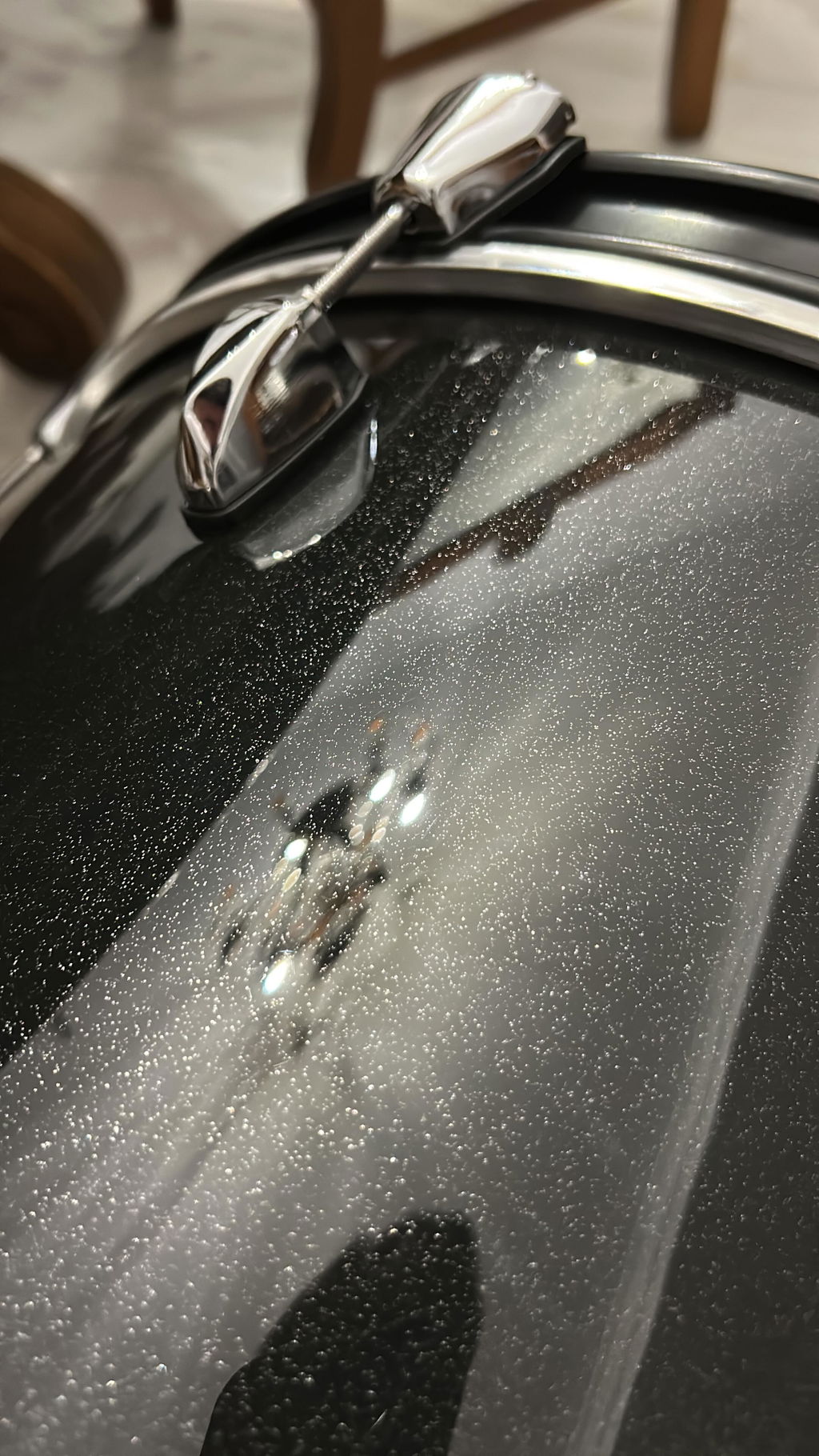
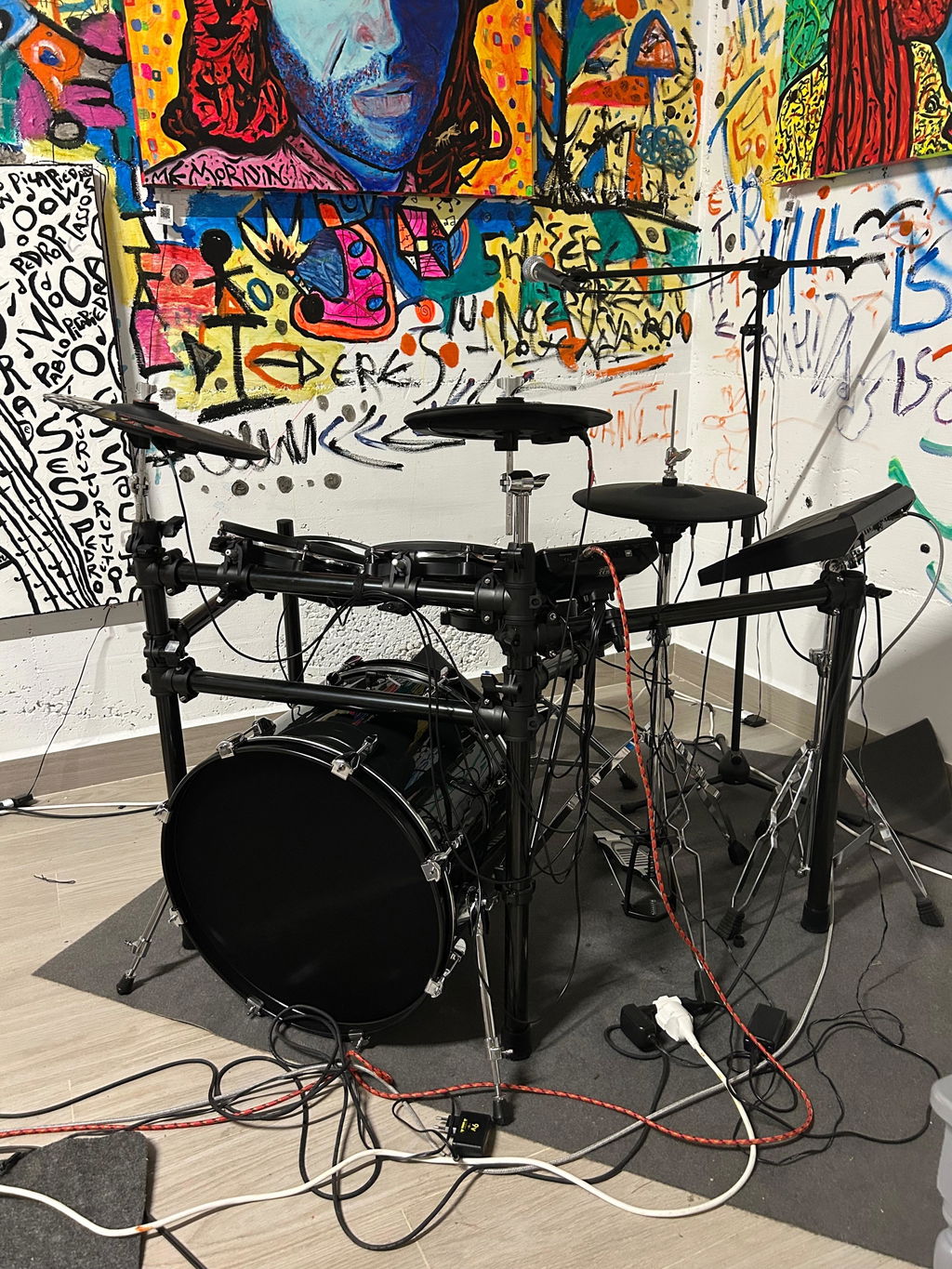
zboží mi přišlo obratem, dobře zabalené. kupoval jsem snímačovou desku 12 a 16 palců. funguje to perfektně, vysoká citlivost i při nízké intenzitě na modulu. jediný nedostatek je krátký průchozí konektor.koupil bych i jiné rozměry, ale zatím nejsou k dispozici
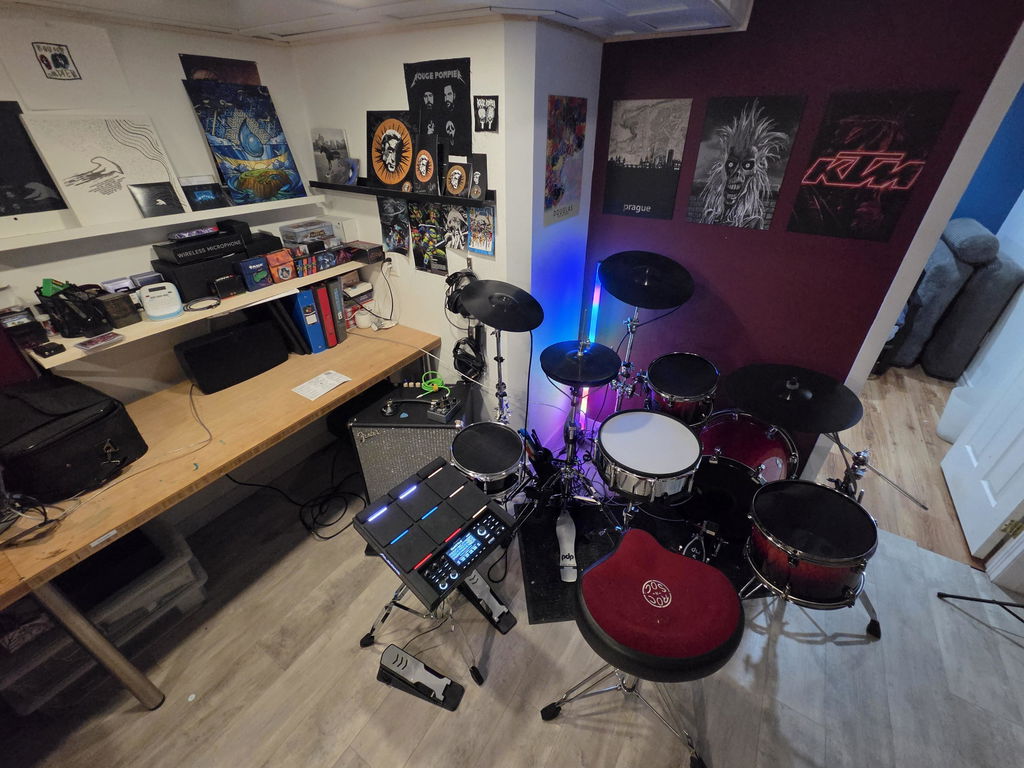
Really happy I found World Drummers. I’m in the US and ordered some Phantom gear from them - honestly, great stuff.
Everything arrived well packed, the gear feels awesome, and whenever I had a question they were quick to help. Definitely keeping these guys on my radar for future upgrades.
Compravendita avvenuta perfettamente spedizione rapida che dire sicuramente ritornerò ad acquistare
Grazie
Snelle levering...correct...
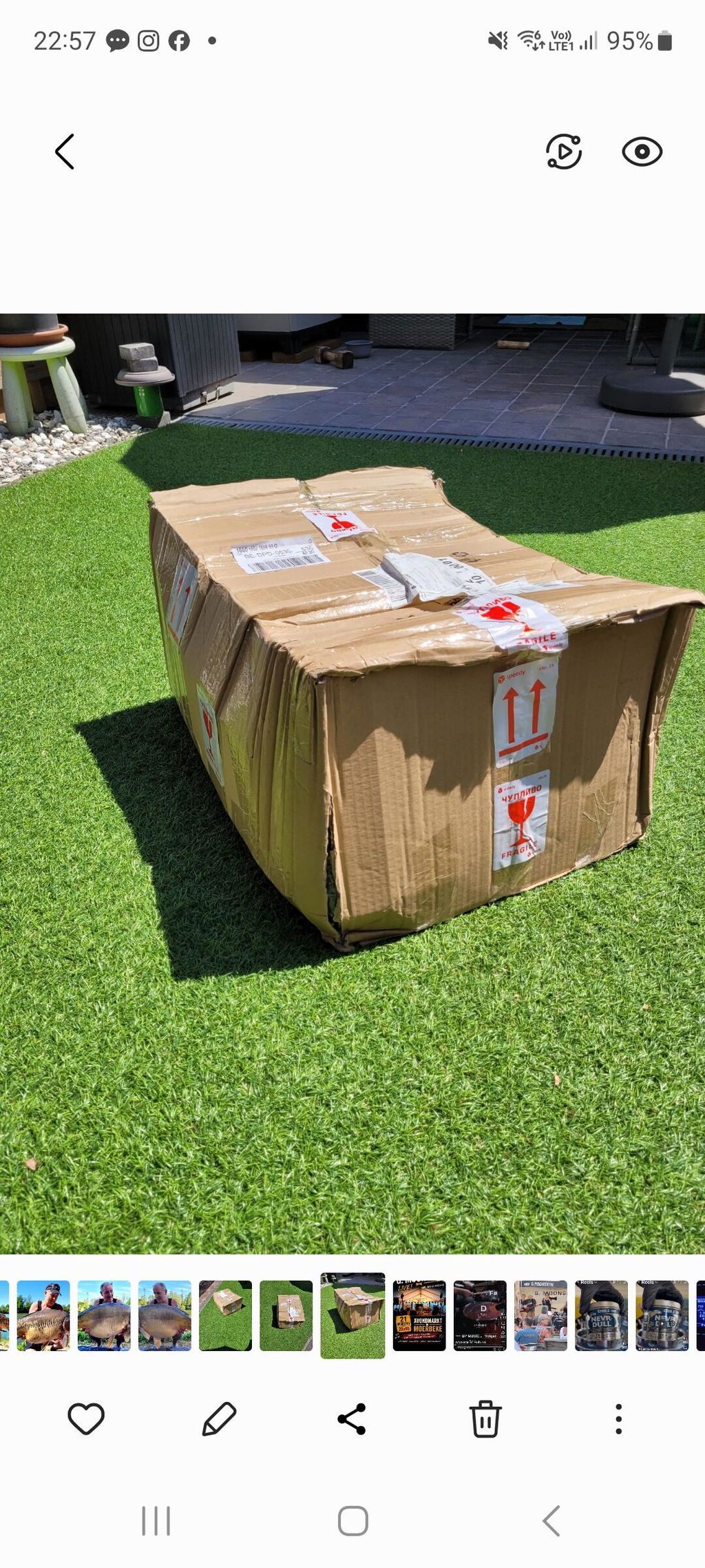
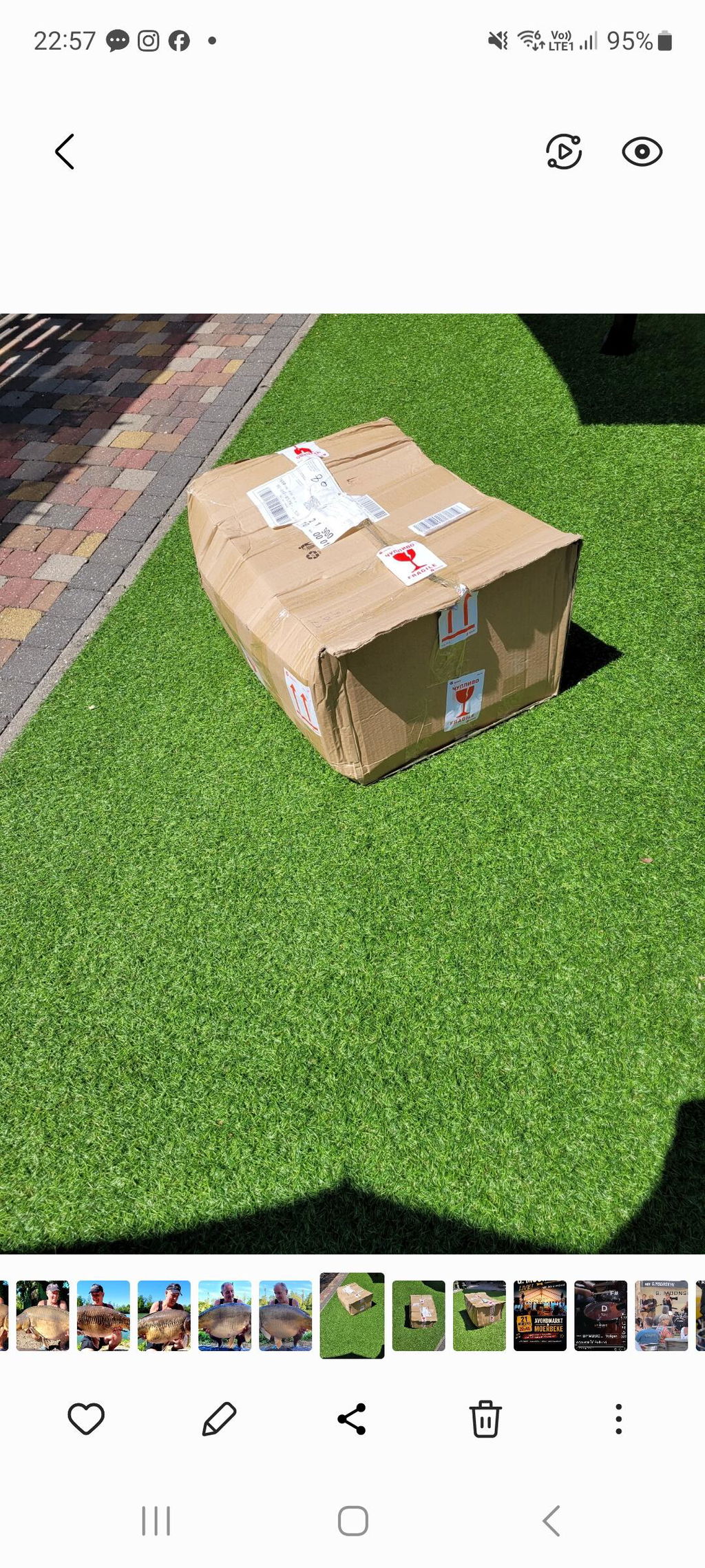
Juist niet echt tevreden over hoe ik mijn pakje geleverd kreeg...de doos was helemaal gekreukt en in gedrukt...kan world drummer niks aan doen maar miss toch eens praten met de firma die de levering doet...
The Hydrolic, ergonomic, comfortable and silent. Everything I needed for my home office!
Shopping was a breeze! I had been “window shopping” for a while and when I had saved up the money I pulled the trigger and am really happy with my purchase. The whole shopping and checkout process was great. My only suggestion would be to make some more demo videos to attach to the products page.
Good communication, swift posting and customer-friendly people. It’s a pity the postage costs are quote high, especially when you want to return the product.
Blog posts
Plan a percussion pad for your performance setup
Start with the role of the pad: finger or stick performance, extra percussion sounds, sample playback or MIDI control. These are different requirements, so compare the actual playing zones, connections and sound features of any listed model.
Build the complete signal path
Check whether the device generates its own sound or sends performance data to another sound source. Plan power, mounting and monitoring as well as any MIDI or audio connection. For a hybrid drum kit, verify external-trigger support separately.
Use current listings for availability and package contents. If no products are displayed, contact World Drummers with the functions you need before planning an order.
Percussion & DJ Pads — FAQ
What is the difference between a percussion pad and an electronic drum pad?
A performance percussion pad may combine playing zones, internal sounds or sample features, while a basic electronic drum pad usually sends trigger signals to another device. Check the specific product's functions rather than relying on the word pad.
Can a percussion pad trigger sounds in a computer?
That depends on its MIDI or USB-MIDI implementation and the receiving software. Audio connections and MIDI connections perform different jobs, so confirm the available ports and required drivers in the selected product's manual.
Can I add a percussion pad to an acoustic drum setup?
Plan a stable mount, power if required, and an audio or MIDI route to the sounds you want. If the device accepts external triggers, verify the supported inputs and sensors before connecting acoustic drum conversion parts.
How can I check availability of percussion and DJ pads?
Use the products currently displayed in this category and their individual stock information. If no listings appear, contact World Drummers with the functions and connections you need. Product availability and future additions must be confirmed separately.